
Your Phone as the Badge: Wallet Passes at Events
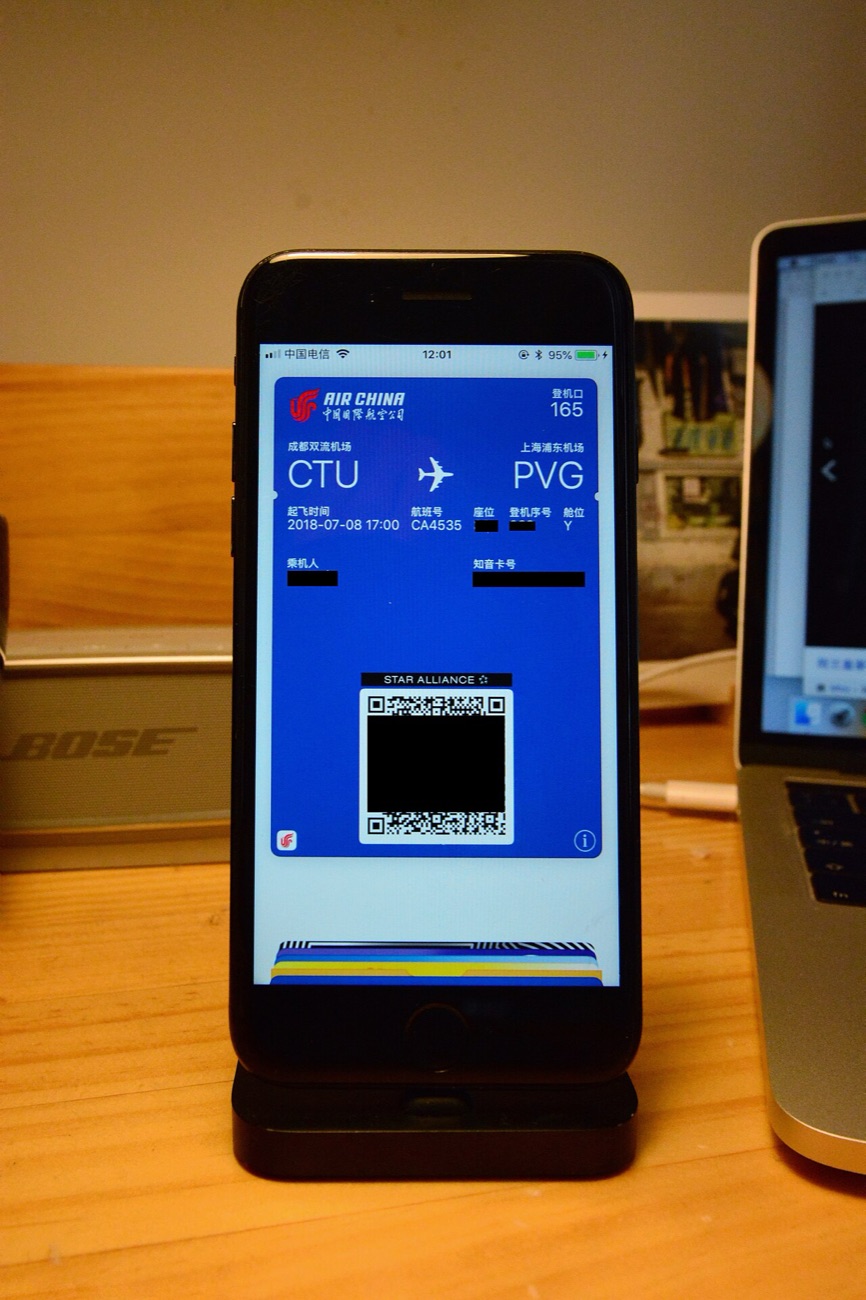
Airlines taught us to board with a phone. Events have been slower, partly because a badge also has to tell people your name when you meet them. Even so, phone-based credentials have become common, and for many visitors they are the easiest way through the door.
How a phone pass works
After you register, you receive a link that adds a pass to Apple Wallet or Google Wallet. Most of these passes show a QR code. Some use NFC as well, so you hold the phone near a reader, in much the same way as paying for a coffee. Apple's and Google's payment services made that gesture familiar to a very wide audience, which is why people now try it without being told how.
What is better
- No badge desk, if the event allows you to skip it.
- Updates can appear on the pass, such as a changed session room.
- It is hard to leave at the hotel.
What still goes wrong
Batteries are the obvious one, especially late on a long second day. Bright screens, cracked glass and a poor network connection can all slow a scan, so add the pass to your wallet before you travel and do not rely on an email link. Bring a charger, and take a screenshot as a backup if the organiser permits it.
The name tag still matters
A phone in a pocket does not introduce you to anybody. Many events therefore print a simple name badge when you arrive and use the phone just for access. This hybrid is likely to last for some time, because networking remains the main reason people attend.
A note for those attending at resorts
Many large conventions are held in casino hotels, where the walk from your room to the hall can pass slot banks and sportsbook screens. It is entertaining, but reception on those floors can be weak, so open your pass before you reach the doors. It helps to save a screenshot too. The same advice applies to basement ballrooms in any conference hotel.
Your privacy
A wallet pass usually holds less data than people fear: mostly an ID that a reader can look up. As with a plastic badge, the important step is what you agreed to at registration. If you want fewer follow-up emails, the sign-up form is the place to say so.